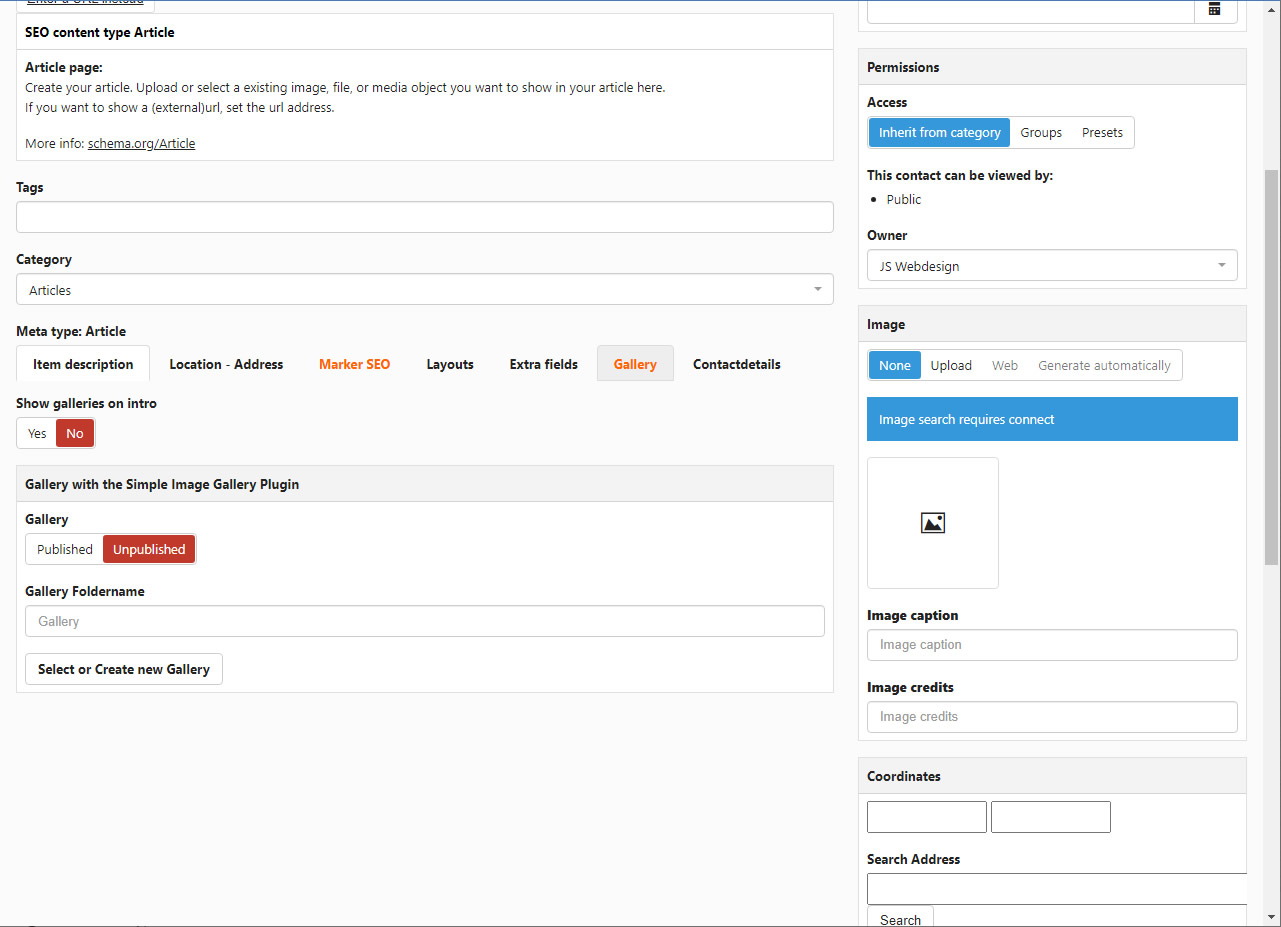
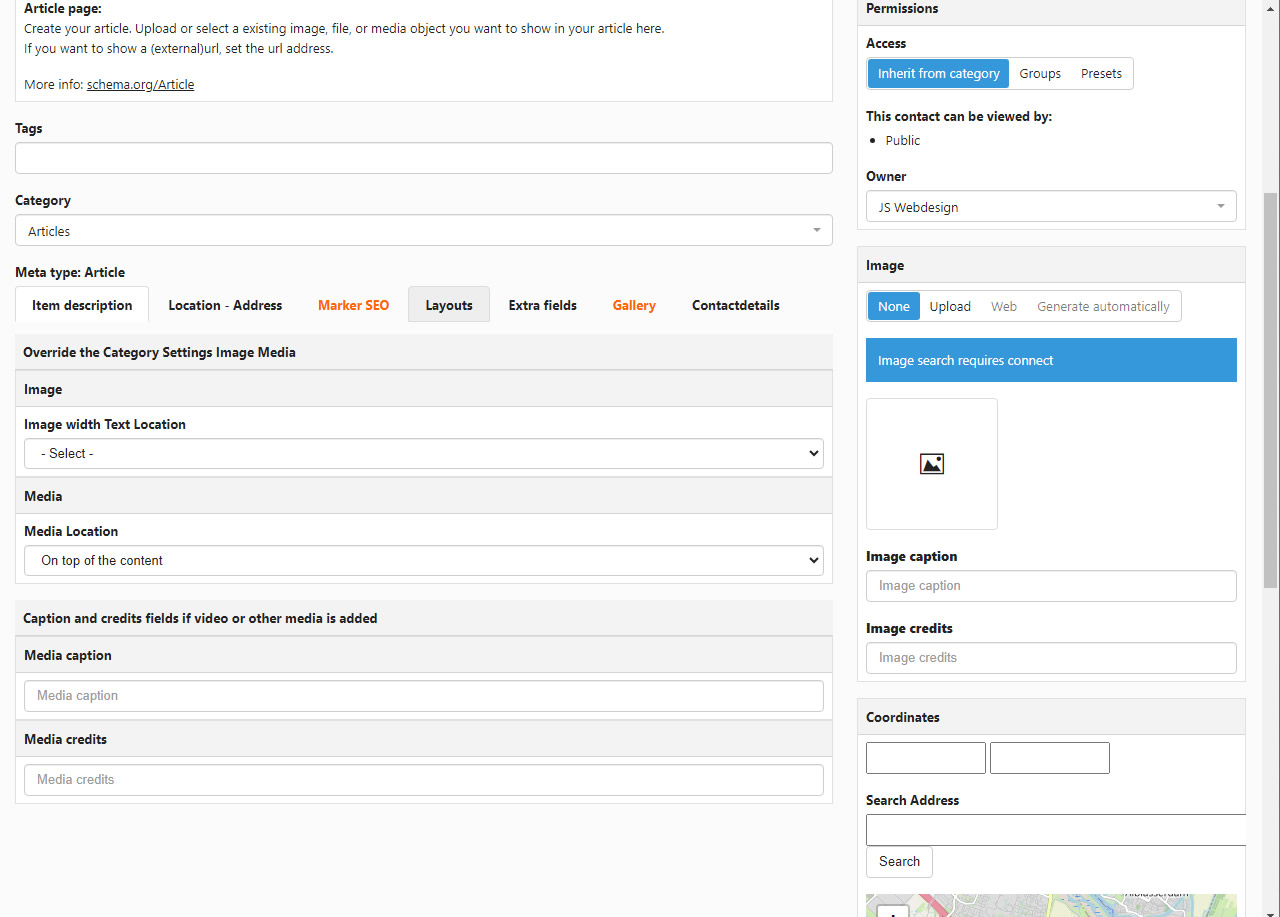
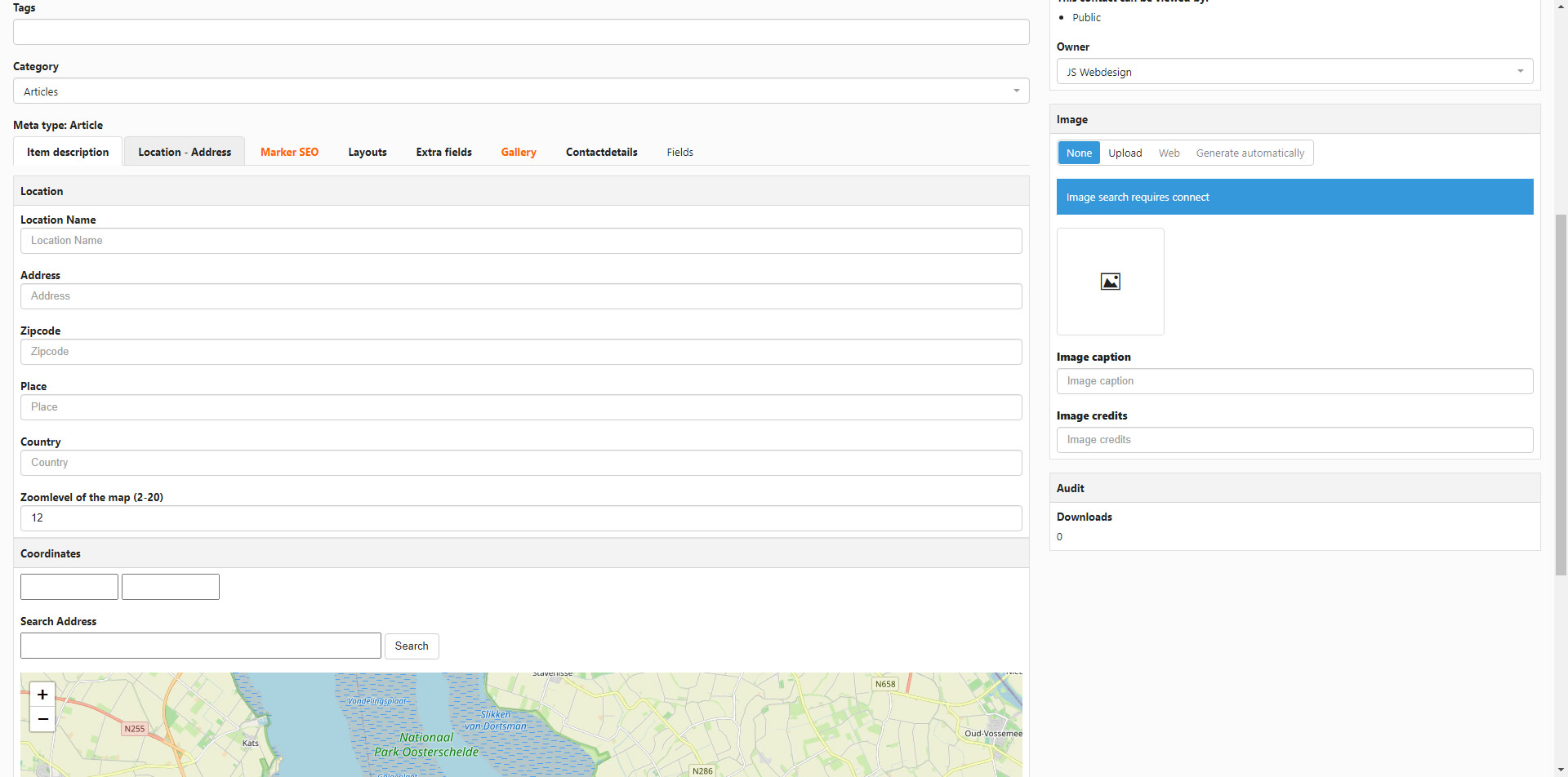
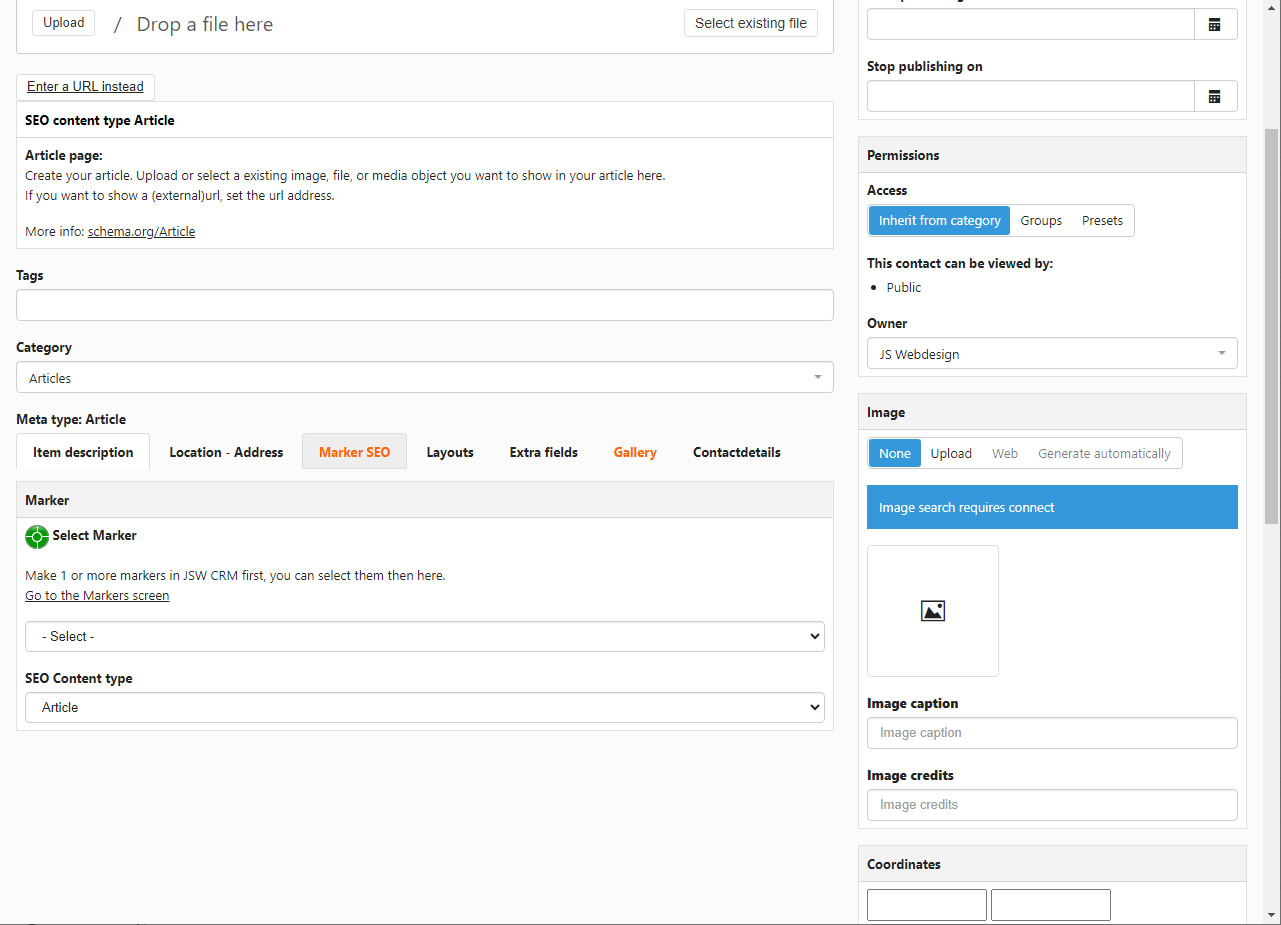
Version 7 has new layouts added for showing video's on your website with JSW CRM. Besides the already existing full-screen video layout is Has now:
A layout for portret size video, for example a video made with your phone
A layout to show a video on the left of a text
A layout to show a video on the right of the text
Video's can be streamed from a external source (YouTube, Vimeo) or from your own website server. Just copy paste the url of the video you want to show from a external source, or upload the video as mp4, webm or ogg file to your website.
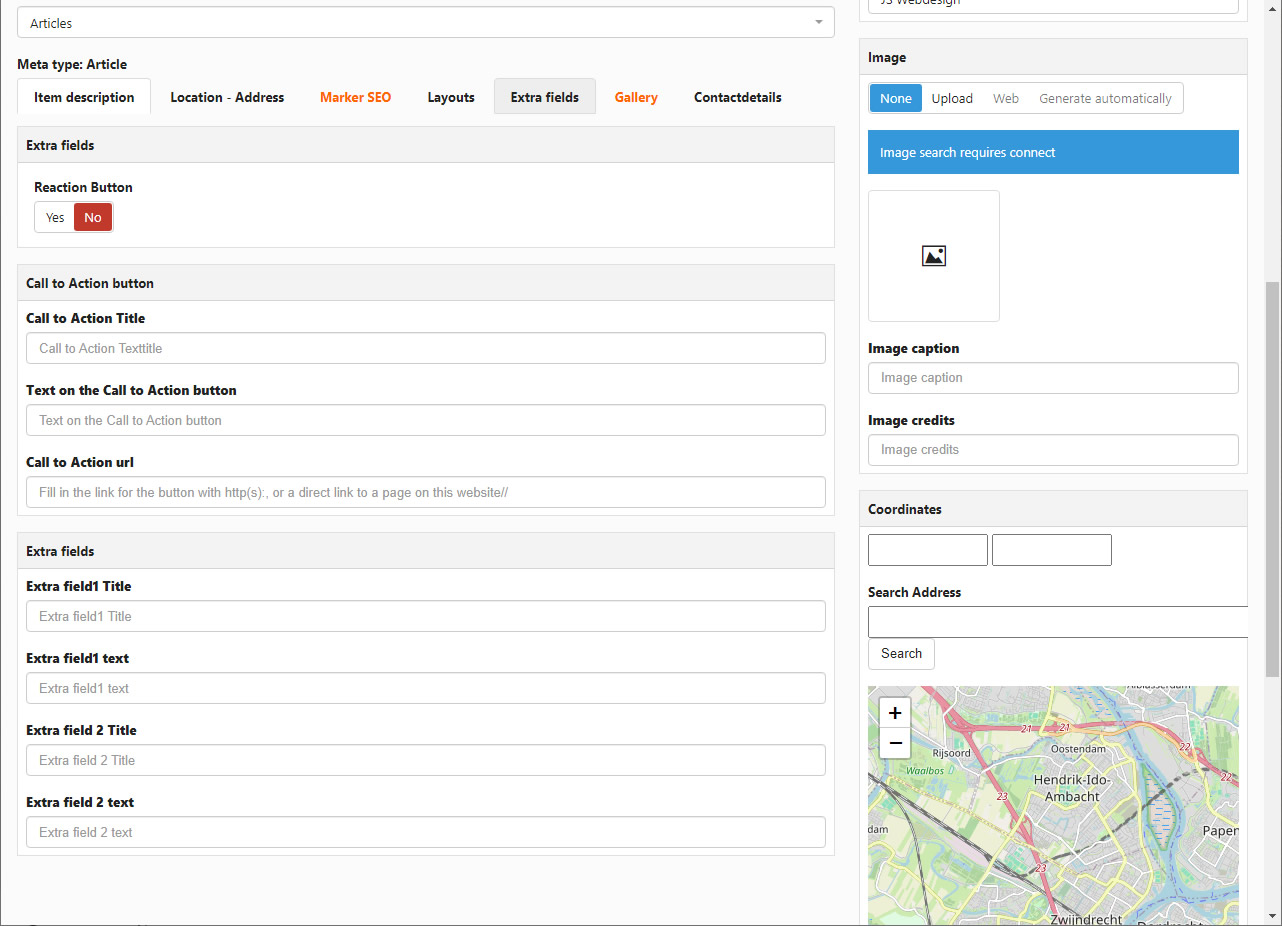
JSW CRM 5 can be used to let visitors publish a reaction on the items on your website.
The reaction system can be used in various ways.
Create a (hidden) menuitem for the reaction form.
Make a category in JSW CRM for it where you can collect the reactions
If a visitor makes a reaction, the item that's created knows from which item the reaction comes from and who published the item
On the menu you can set if the reaction gets published directly or not.
With the new Reactions module you can, for example, publish all the reactions on the item directly below the item text
As stated the reaction system can be used on various ways. Show the reactions below on the item, show them all on a page or in a module position, Only show them for the user who has made the item,
The link for making a reaction to a item can be set to on or off on menulevel or on item level
Version 7 has new layouts added for showing video's on your website with JSW CRM. Besides the already existing full-screen video layout is Has now:
A layout for portret size video, for example a video made with your phone
A layout to show a video on the left of a text
A layout to show a video on the right of the text
Video's can be streamed from a external source (YouTube, Vimeo) or from your own website server. Just copy paste the url of the video you want to show from a external source, or upload the video as mp4, webm or ogg file to your website.
With JSW CRM you can make your personal file transfer form, so customers can send you files that are instantly available.
If you want to recieve files directly from your customers in your own Joomla! website with JSW CRM without any third party, with JSW CRM 5 you can.
The files your cusomer sends you are directly stored in a map on your own webserver, and are real-time available..
JSW CRM gets shipped with a special file transfer form for this.
This can be set up in various ways, just the way you want to use it. This form can be made available for example only for registred users, public for everyone, or for example only available with a hidden special url.
It's even possible to make a file category only available for a certain client or make multiple versions for your clients.
You can even set which sorts of files the system can recieve. Multiple files can be send by put separatly or by putting them in a .zip file for example.
This example is built in an hour with JSW CRM 5 & uses the standard template that gets shipped with Joomla 5. Because all docs and other items are created, made available and stored in JSW CRM, a automatic archive gets created of the info..